Broker Administrators have access to a number of settings to control policies and blueprint nodes, which are detailed in the table below.
| Setting | Description |
| Global Policies |
Configuration of governance policies which take effect at the global level of the policy hierarchy. Refer to the article Configuring Policies for detailed configuration steps. |
| Classifications |
Configuration of Classification classes which are applied to regions to control where deployments can reside. Refer to the article Configuring Classifications for details configuration steps. |
| Variable Sets | Manages Variable objects and their set of possible values which are dynamically resolved depending on a deployment's environment, account, or network. |
| Catalog Item Categories | Manages categories which published Catalog Items can be assigned to. |
| Operating Systems | Manages mappings to service provider image IDs of OS images, which are used in blueprints to deploy Windows/Linux virtual machines. |
| Appliances | Manages mappings to service provider image IDs of appliance images, which are used in blueprints to deploy virtual appliances. |
| Credentials | Manages Credential objects which contain authentication information, which can be used to securely connect to resources and services. eg. Virtual Machine instances and Repositories. |
| Notifications | Configuration of notifications to be sent when triggers are met, and the format of the notifications. |
| Name Generators | Configuration of naming templates for deployed resources. |
Accessing the Control Panel
This section describes the steps required to access Settings.
Prerequisites
- Administrative access to the Broker UI
Procedure Steps
- Login in the the Broker UI as an administrative user
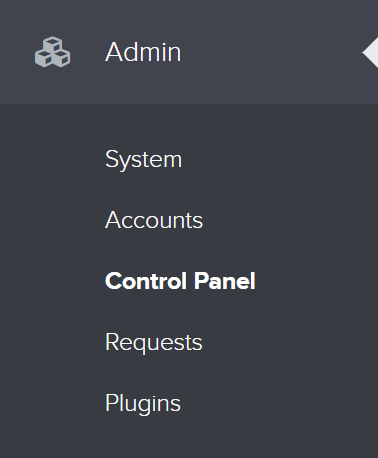
- Navigate to Admin > Control Panel